01The chart
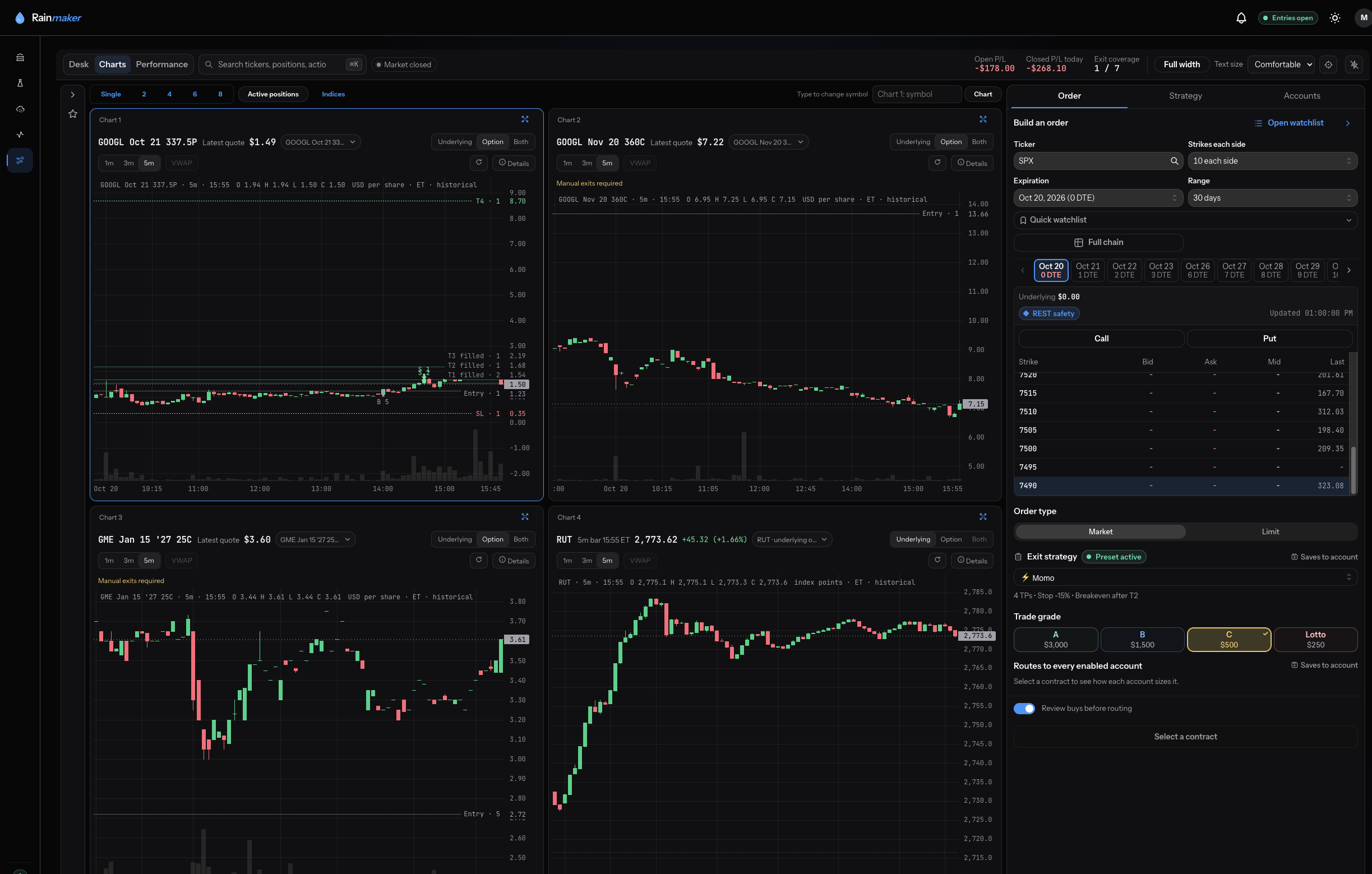
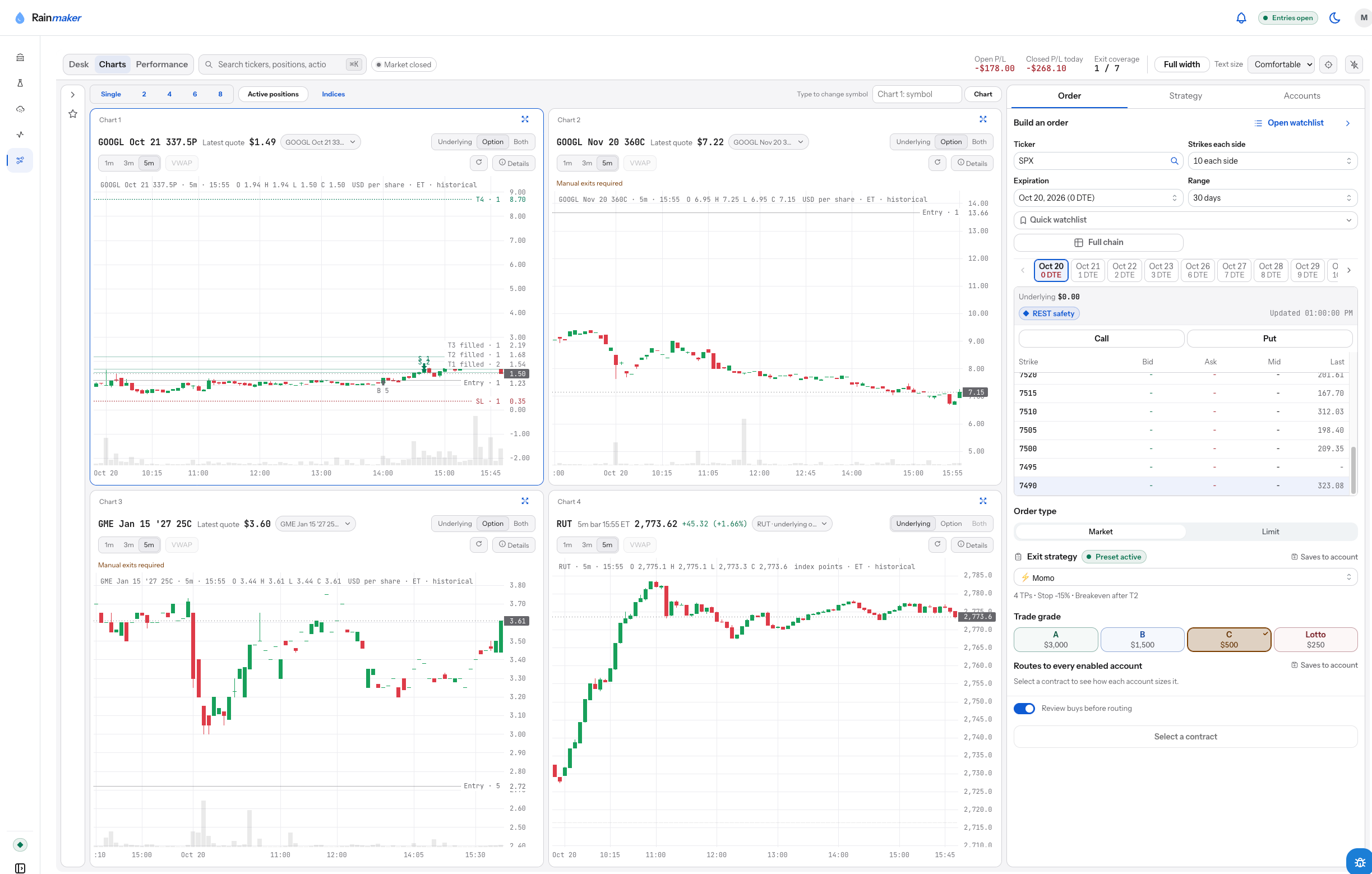
Where is the setup, and where are my fills?
Start on the chart.
Held positions, fills, taken targets, and contract references sit on the chart. Type over the symbol to change it, or run several charts side by side.
01 / The chart
Plan every exit. Your risk limits, your rules, your broker. Options today, through the brokerage account you already have.
Two ways to trade
Both start with the same plan: an account, an allocation, and an exit strategy that attach before the order leaves.
Your entries. Your charts. Rules manage the exit.
Build the order on the chart, grade it to size it, attach the exit plan, and let the rules you set manage the position.
Explore The DeskFollows sourcesSources you choose, checked against your limits before anything routes.
Follow Trade With Insight analysts in your own account. Confirm each alert yourself, or let eligible alerts route inside the limits you set. Packages for one source or the whole desk.
See the packagesHow it works
Rainmaker evaluates, routes, and monitors. You choose, configure, and approve. Your broker executes.
Sign in at Schwab and authorize Rainmaker. Rainmaker does not see your Schwab password, and you can disconnect at any time.
Your own order on the Desk, a position shared by a source you follow, or automatic following inside limits you set.
Account, allocation by trade grade, entry behavior, and the exit strategy are all set before the order leaves.
Orders go to your broker through your own authorization. When the entry fills, the exits are placed and your rules take over.
See it in the product
From the chart to the managed exit, in the screens you will use.
Where is the setup, and where are my fills?
Held positions, fills, taken targets, and contract references sit on the chart. Type over the symbol to change it, or run several charts side by side.
01 / The chart
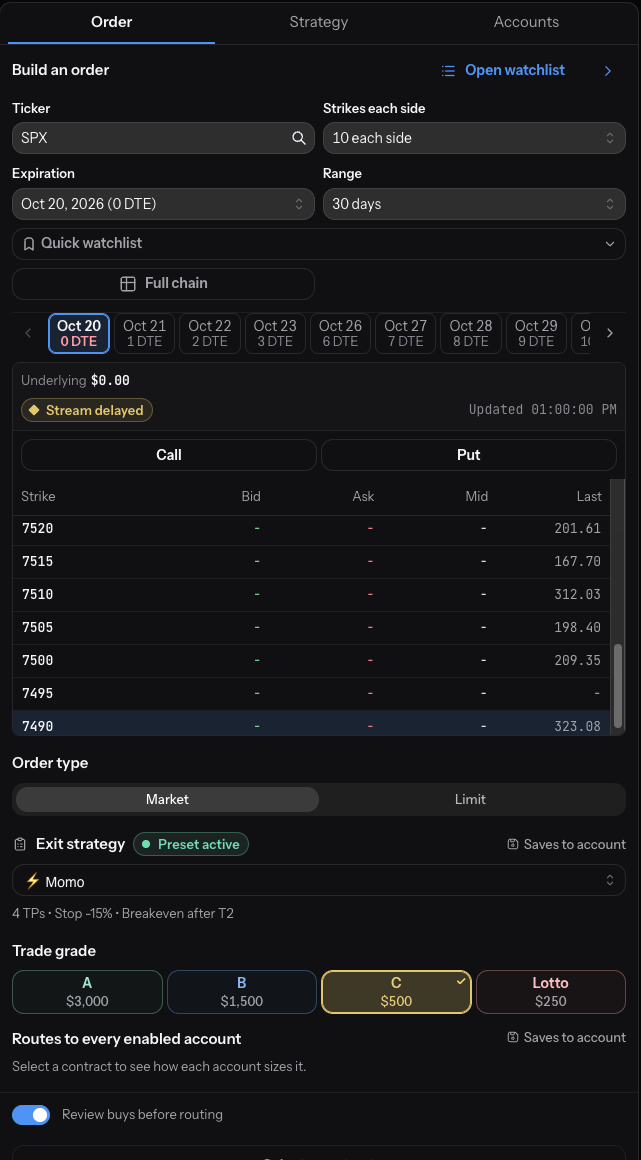
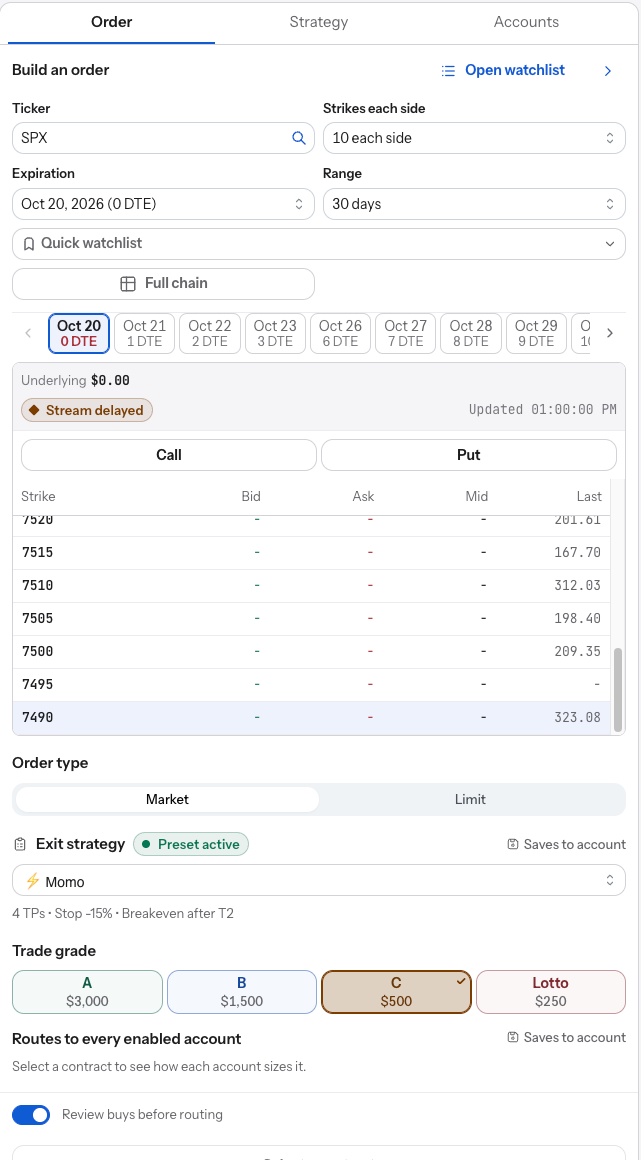
Which contract, what size, and what is the plan?
Search the chain by expiration and strike, choose market or limit, grade the trade A, B, C, or Lotto to size it, and pick the exit preset. The plan is attached before you submit.
02 / The ticket
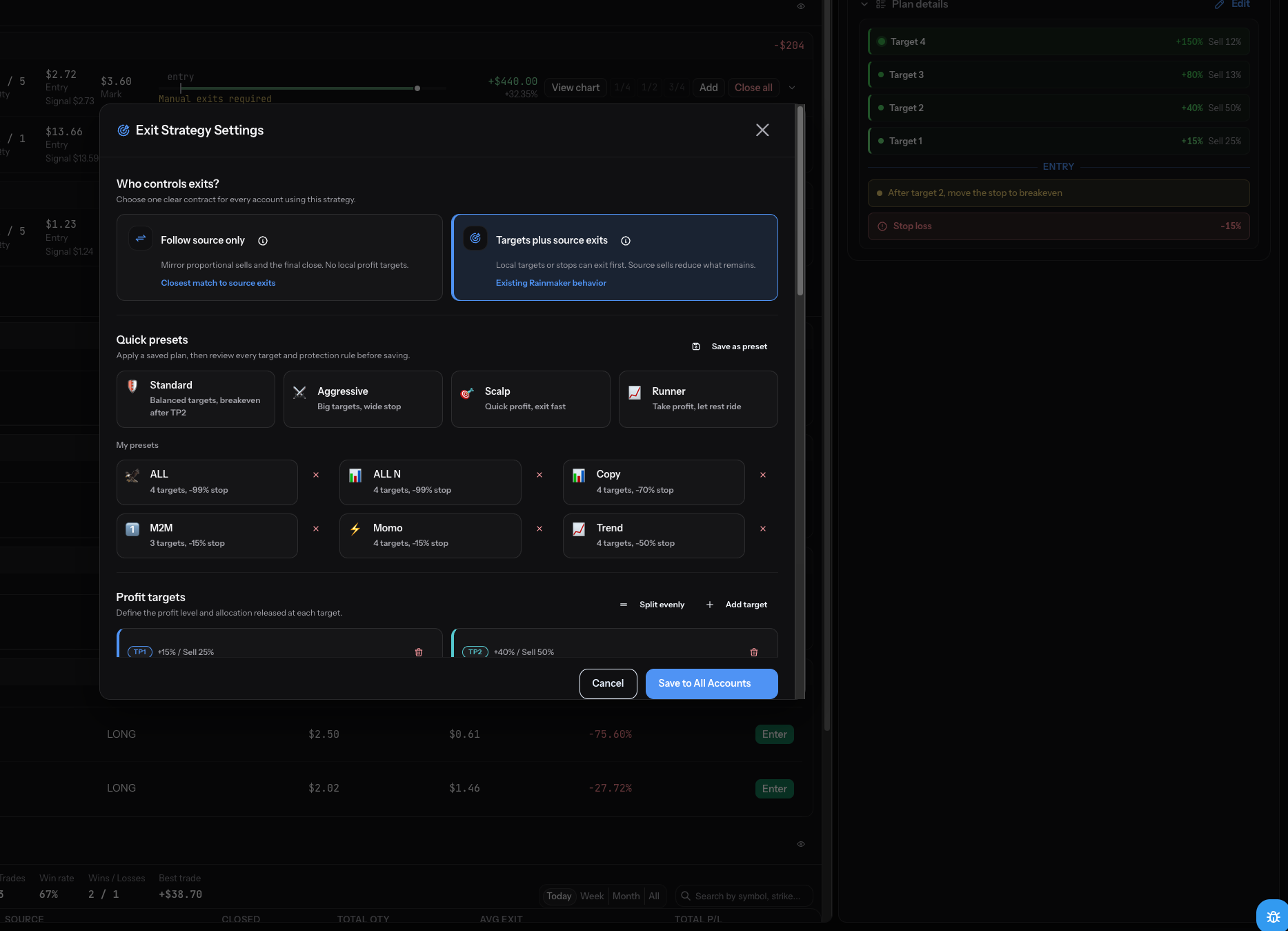
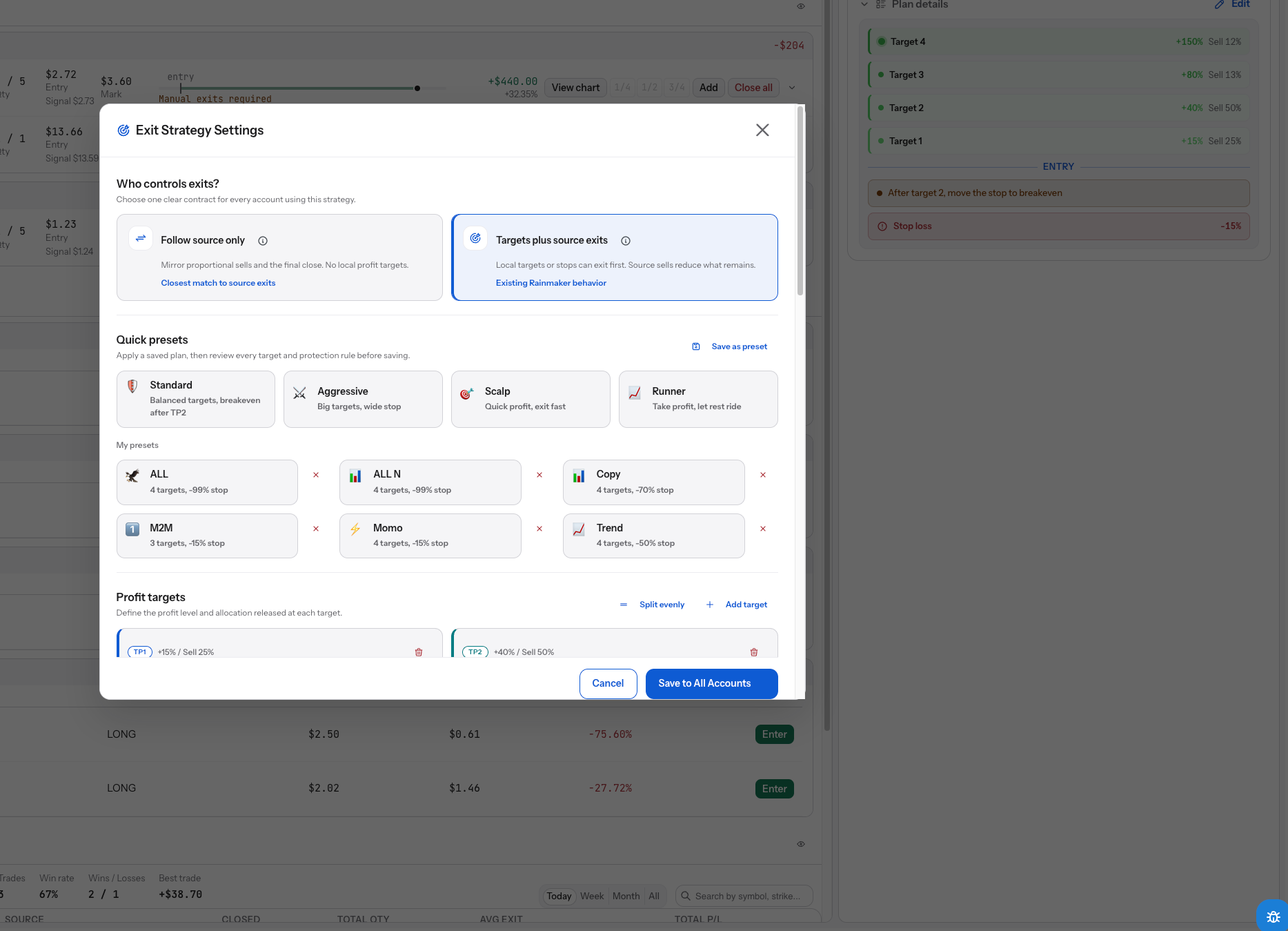
Where do I take gains, and where do I admit I was wrong?
Up to four targets with their own sell sizes, a stop, a move to breakeven, and a trailing runner. Save it as a preset and attach it to the next order.
Configured rules cannot eliminate loss or guarantee execution.
03 / The exit
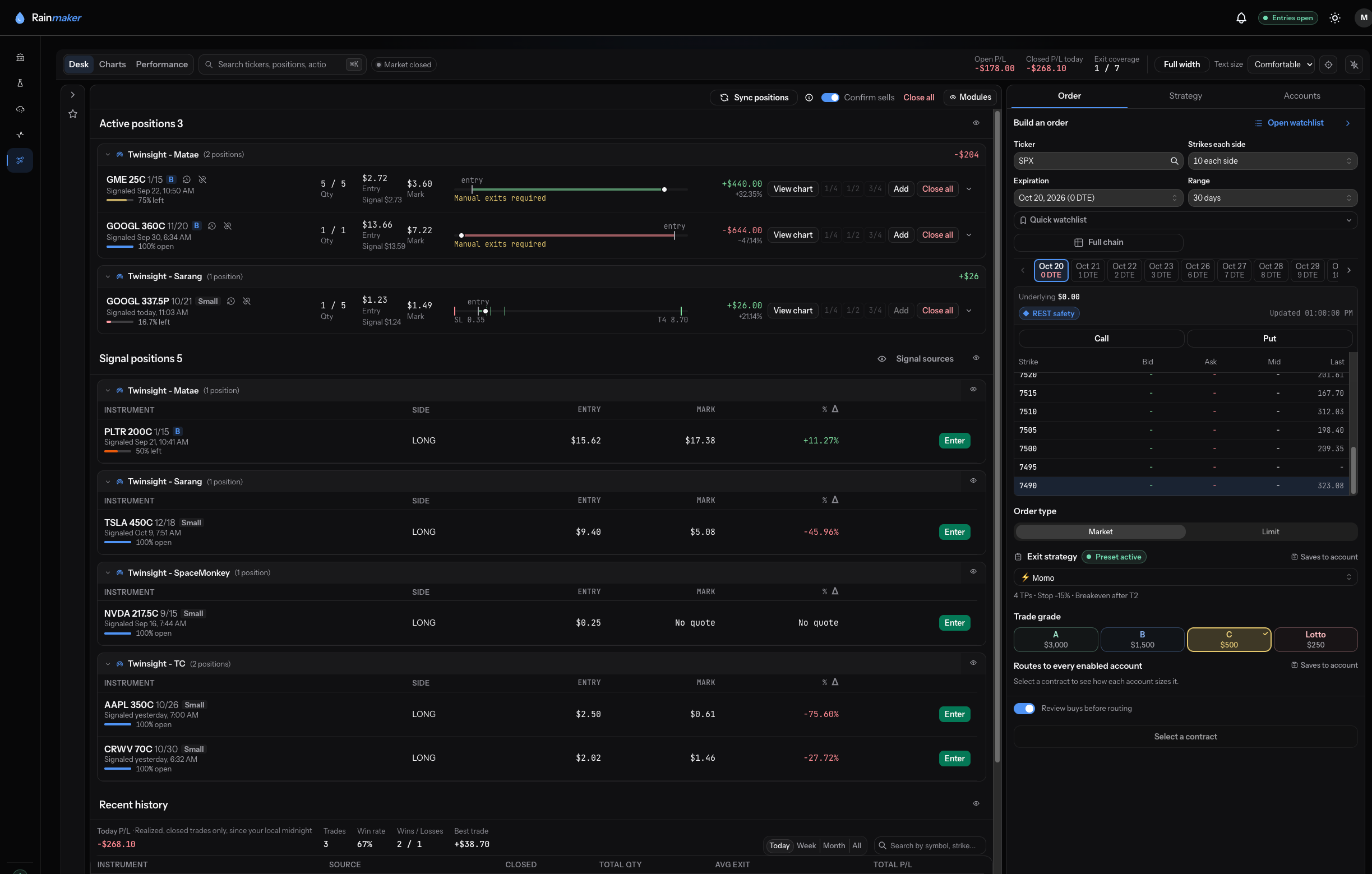
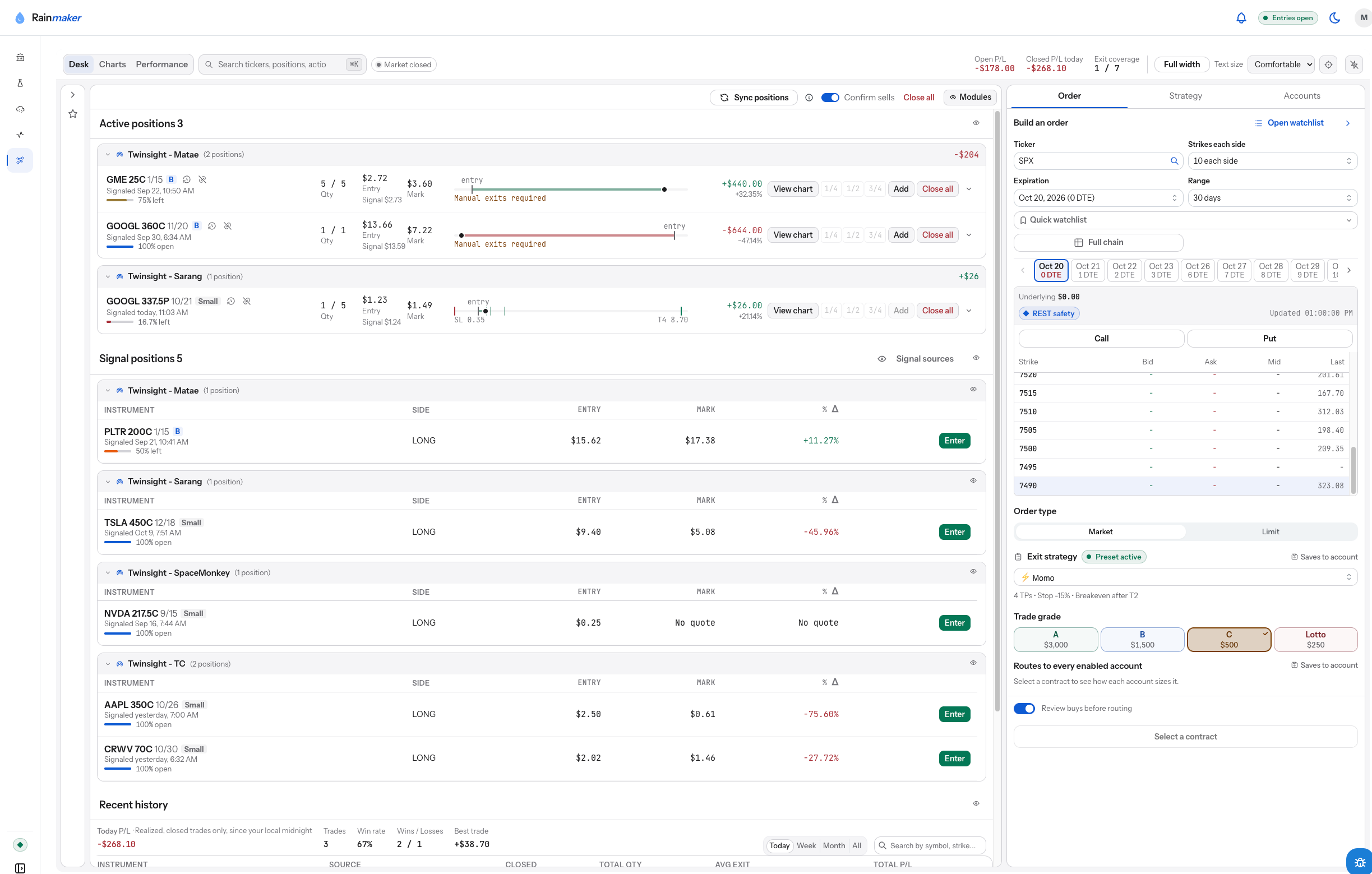
It is live. What is it doing?
Each position shows its entry, its mark, how much is left, and the targets and stop still working. Add, close a fraction, or close all from the same row.
Execution and fills depend on broker and market conditions.
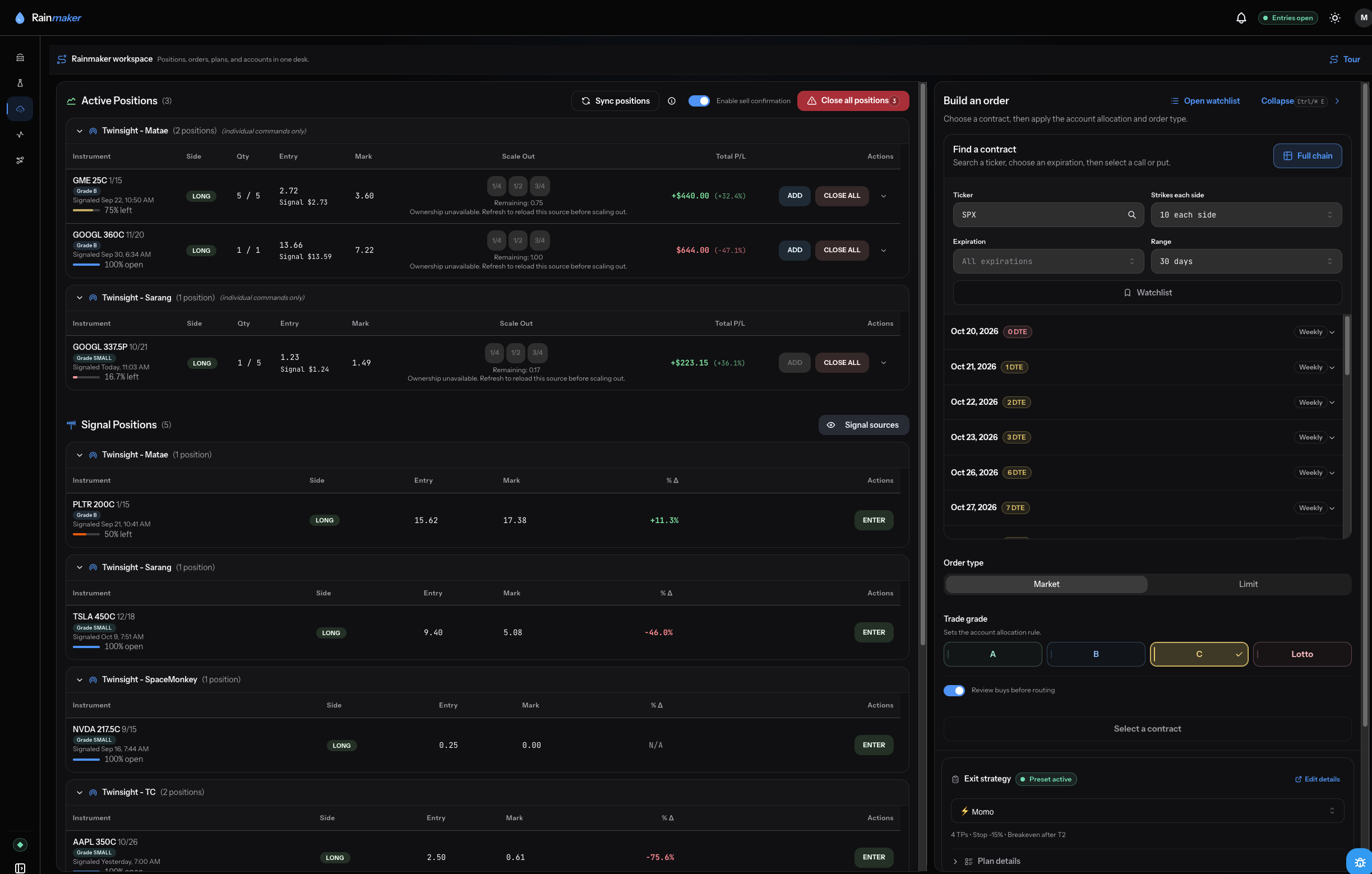
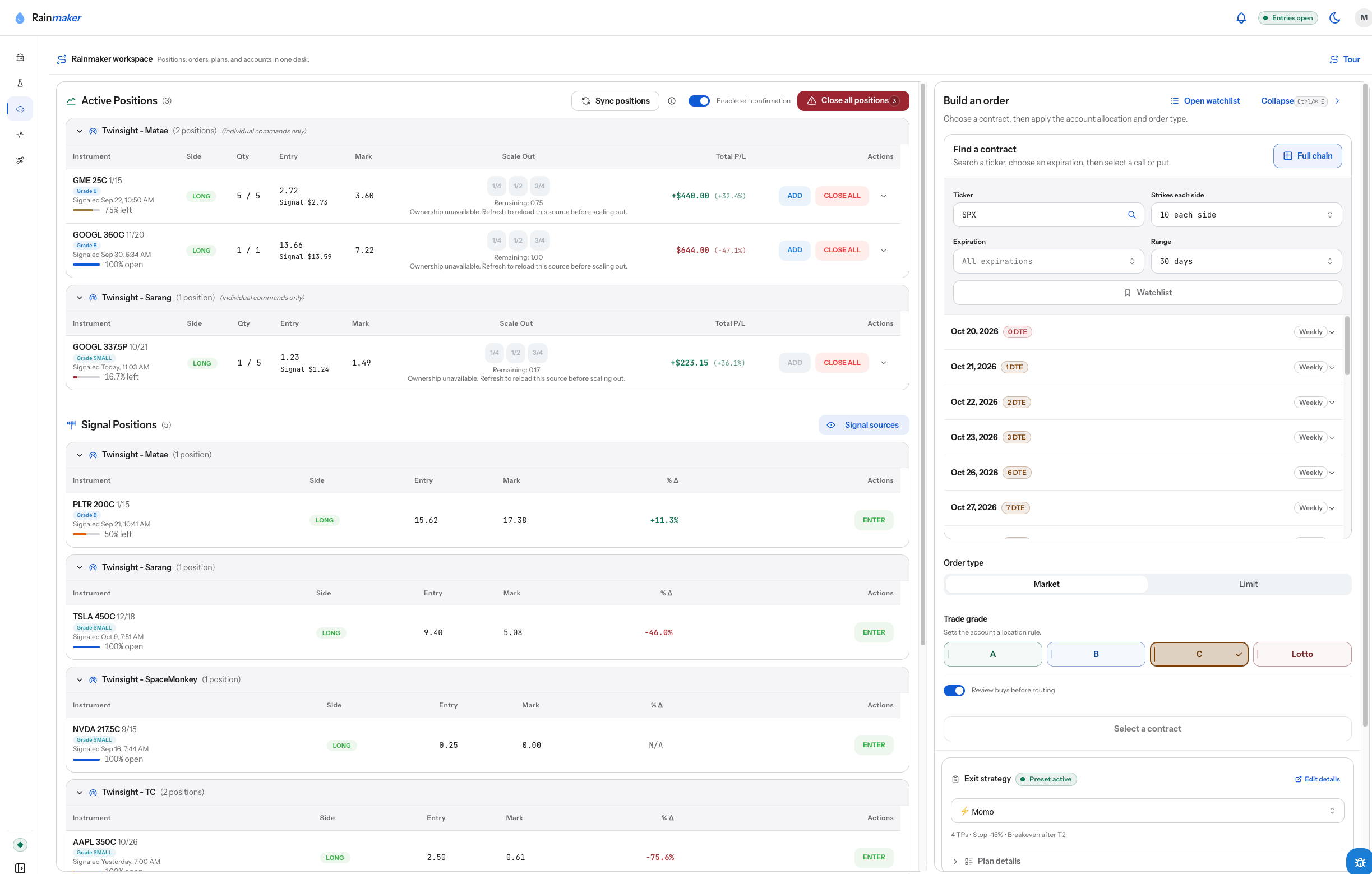
04 / The position
Would these rules have held up? Show me before real money.
Replay exit rules against historical signals and compare exit timing, stop hits, and hold time. Keep the rules you choose to use again.
Historical simulations are hypothetical and do not predict future performance.
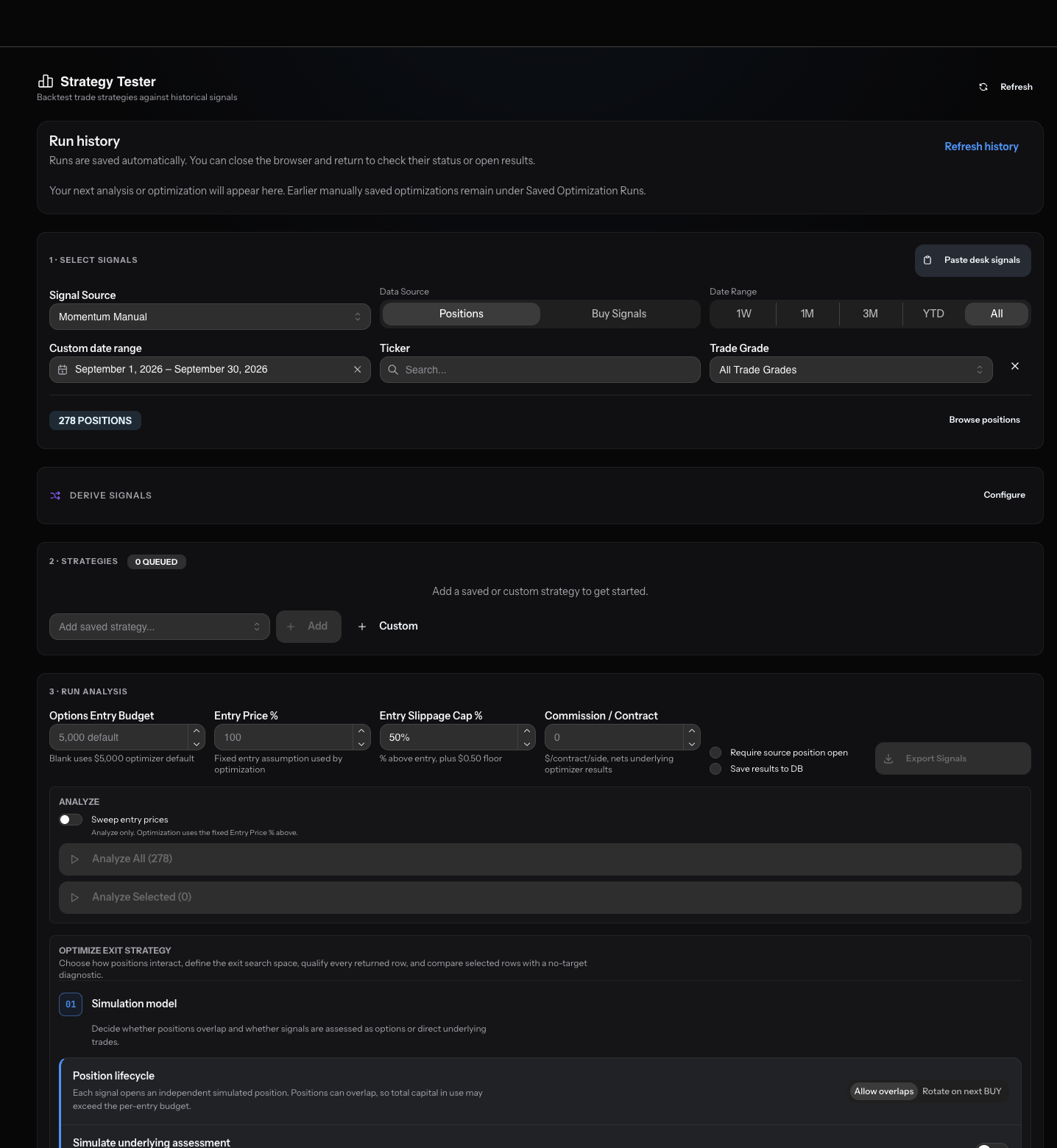
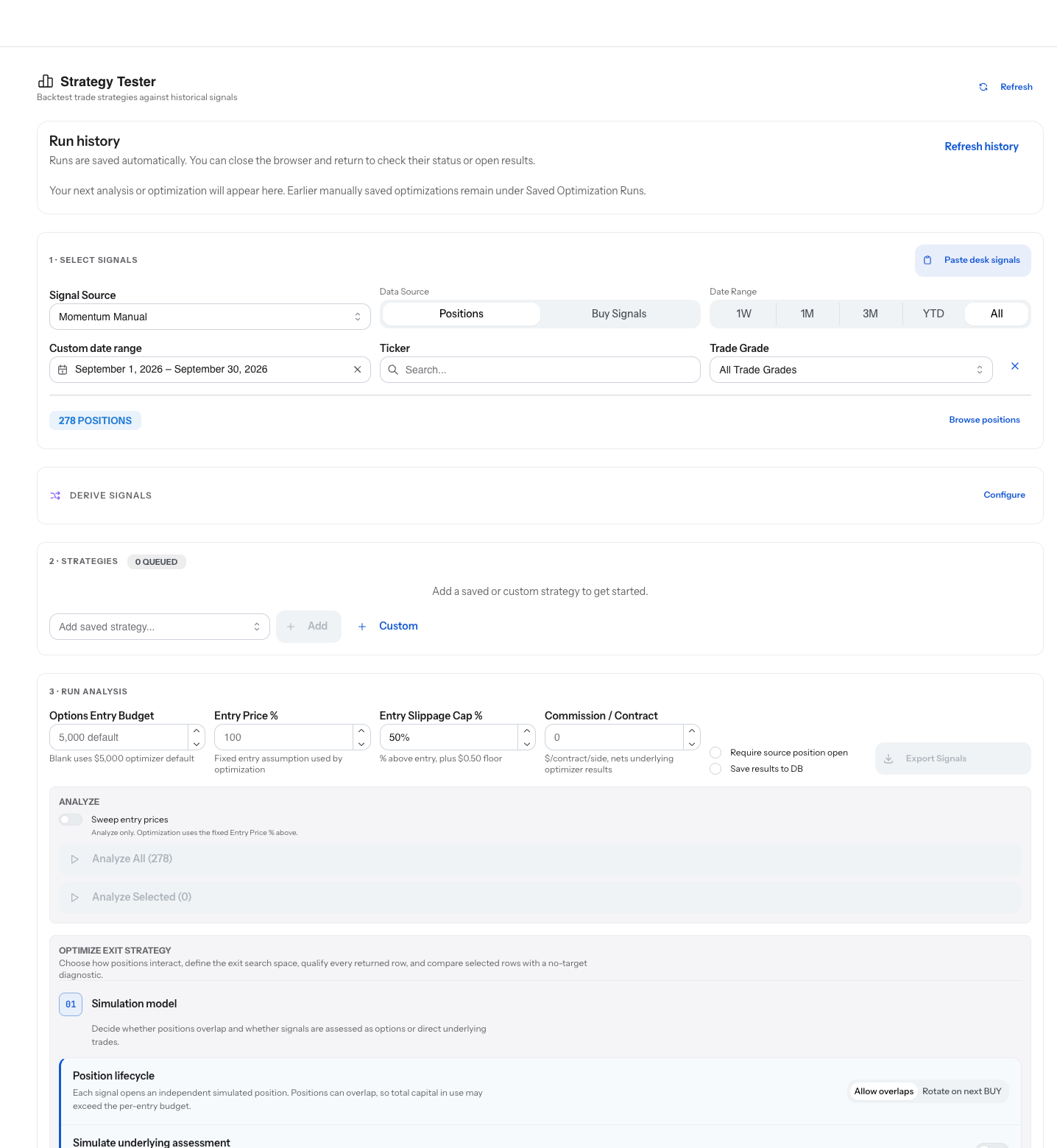
05 / The proof
Which account, and how much of it?
Connect the Schwab accounts you already have. Each keeps its own allocation by grade and its own rules.
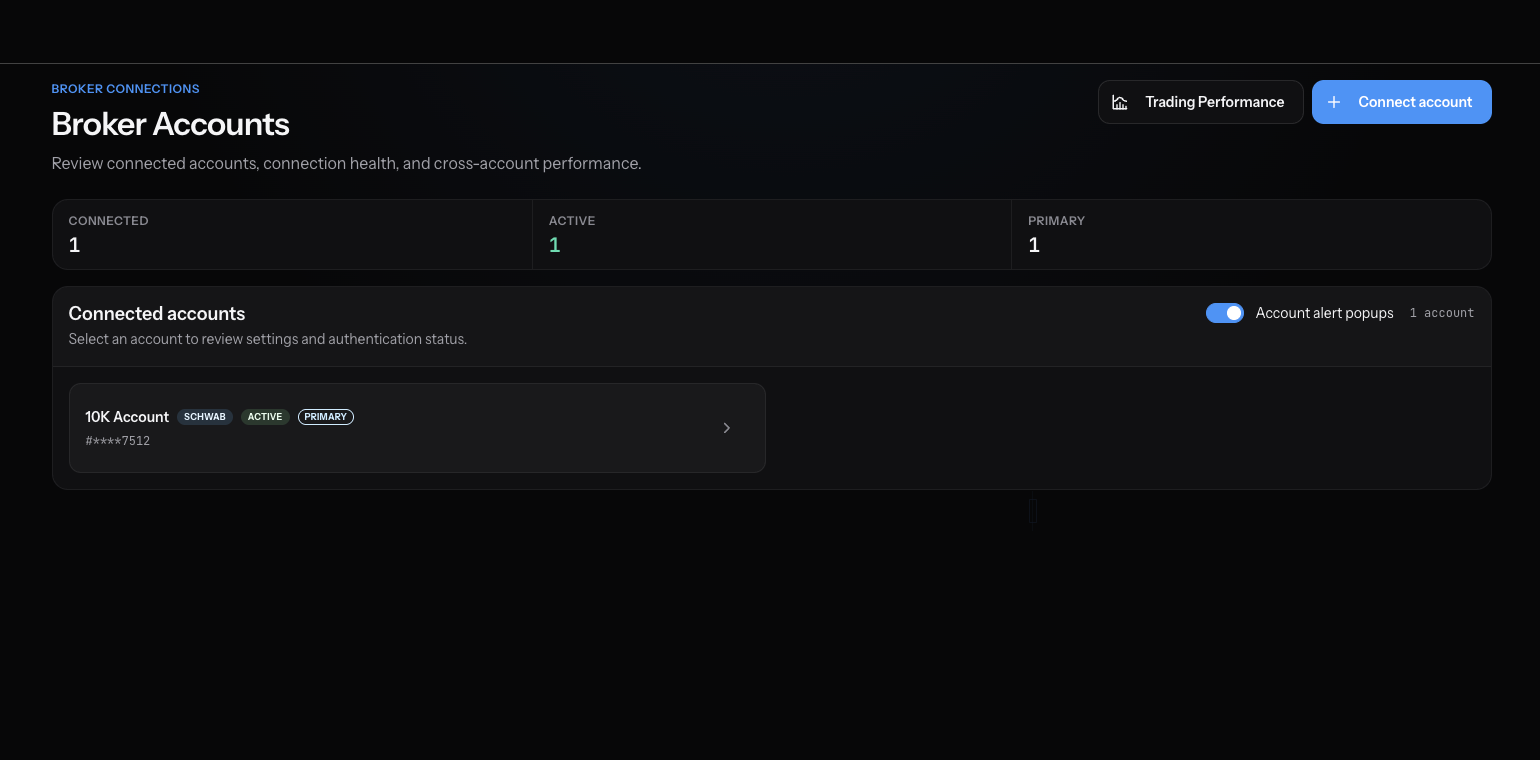
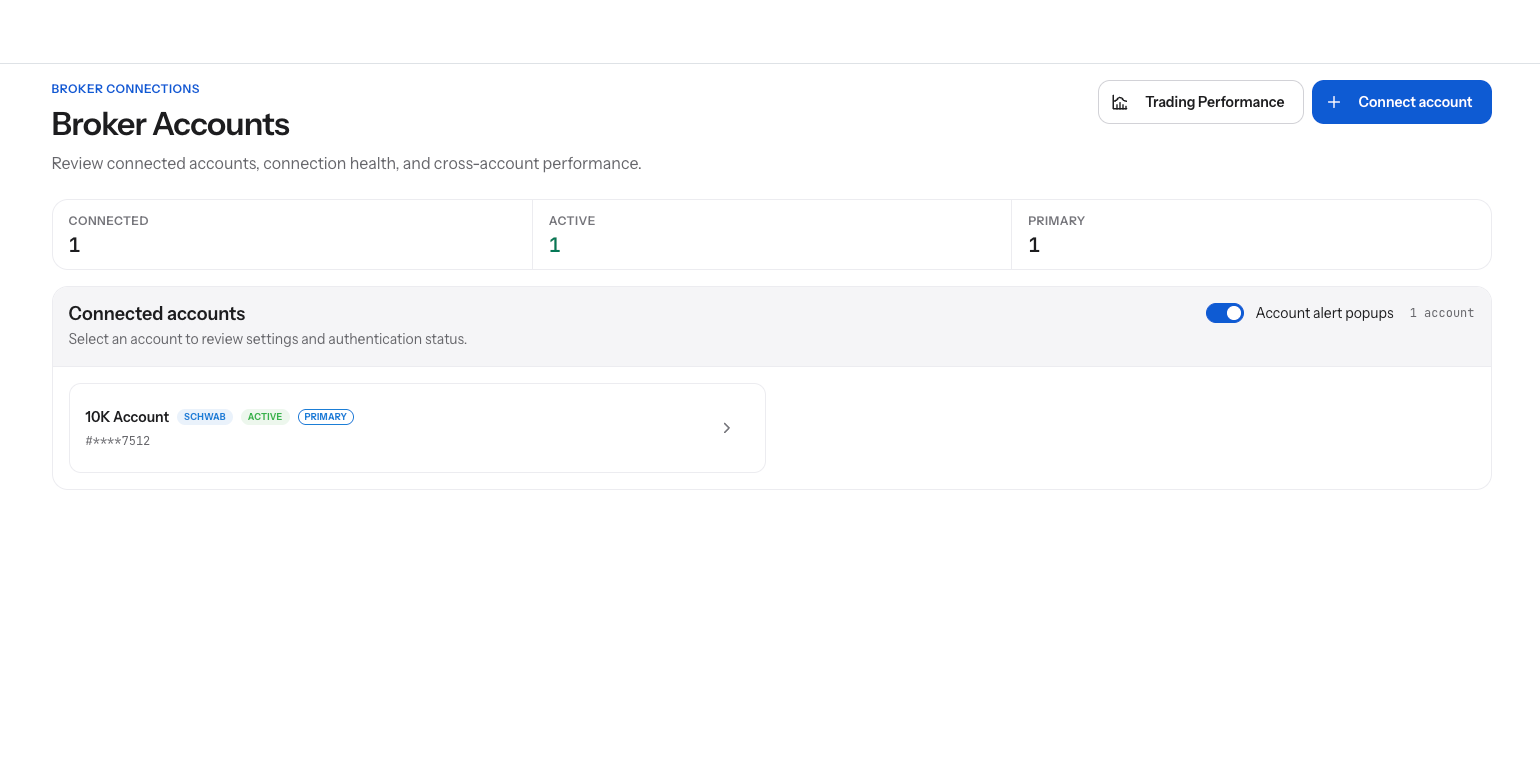
06 / The accounts
What happened while I was away?
The activity ledger records your buys, sells, and account changes in your local time, so the day is reviewable.
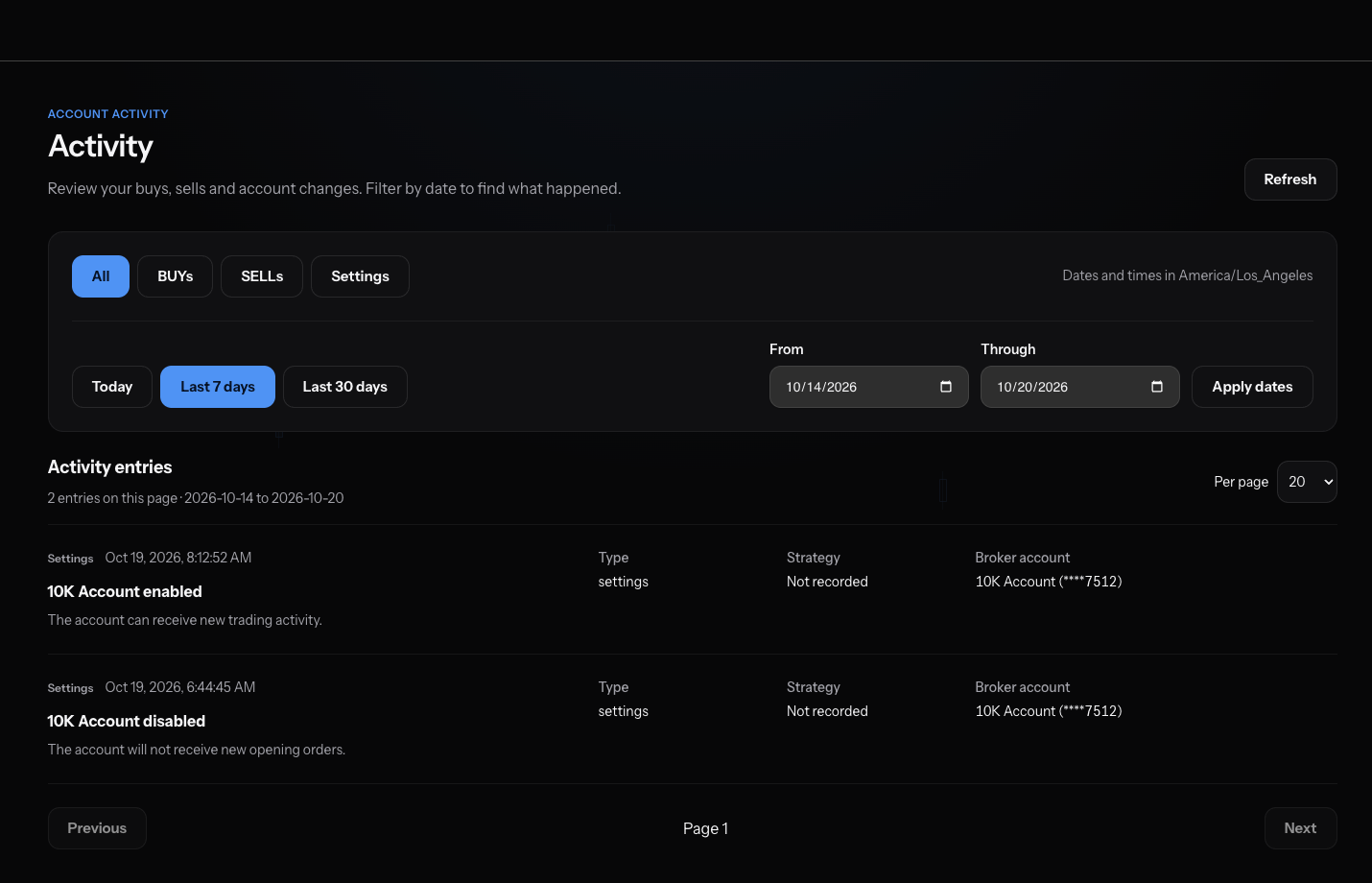
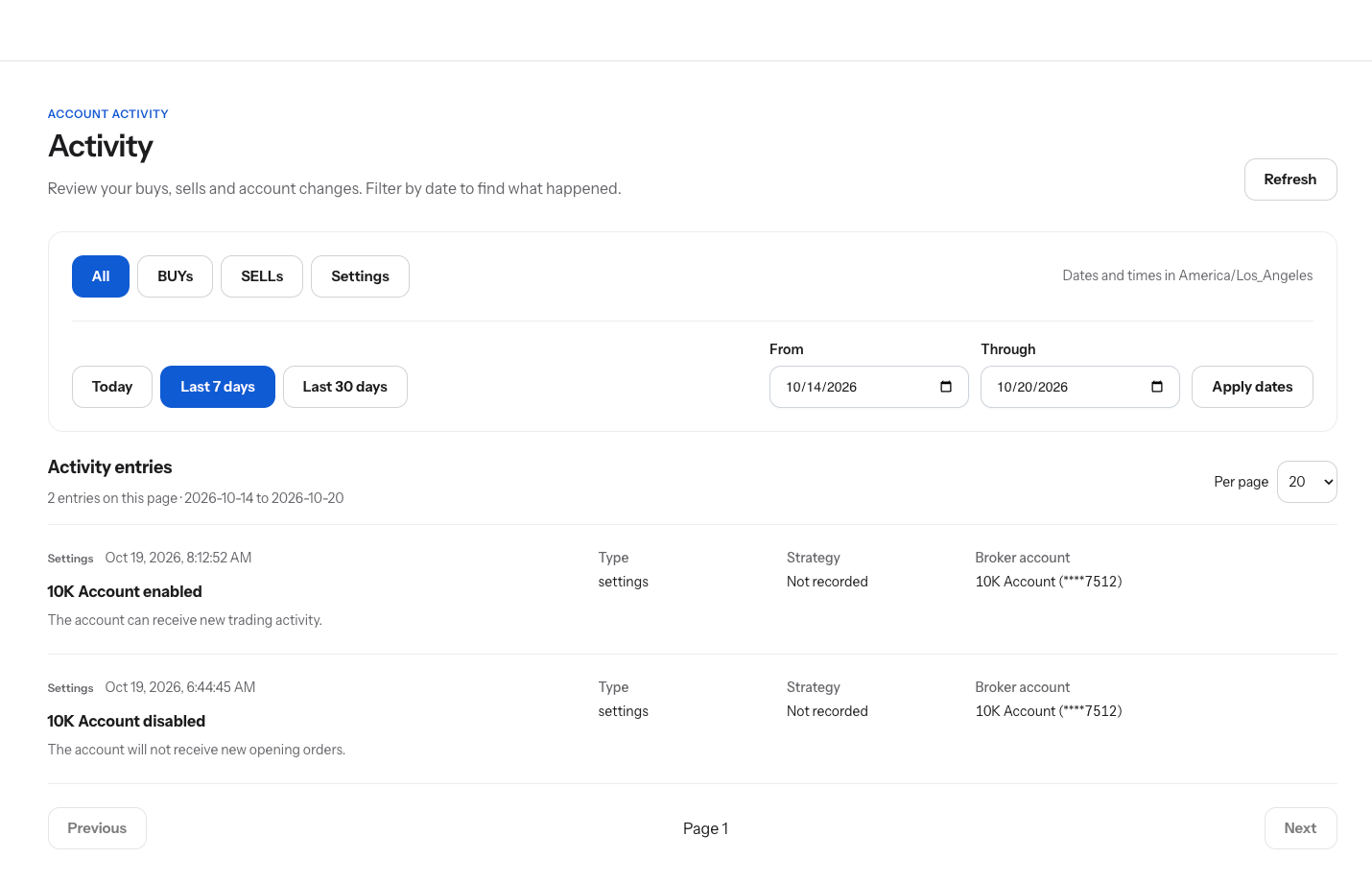
07 / The ledger
Screens from the Rainmaker app. Positions and figures are examples of the workflow, not a recommendation or a performance claim.
Hope is not a strategy
Decide where you take gains and where you cut losses before the market tests the plan.
Your rules apply what you set. You can still change or cancel them. Configured rules cannot eliminate loss or guarantee execution.
Questions
Yours. Rainmaker routes orders to the brokerage account you connect and authorize. It does not take custody of funds.
When a source you follow shares a position, it appears in your signal positions. You decide whether to enter it yourself or let eligible alerts route automatically inside the limits you set for that source. Confirm-first is the default.
Third-party alerts may be inaccurate, incomplete, or delayed.
Each order carries an exit plan: up to four targets with a sell size each, a stop, and rules such as move to breakeven and a trailing runner. When the entry fills, Rainmaker places the exits with your broker and manages them with your rules.
Configured rules cannot eliminate loss or guarantee execution.
Yes. The Strategy Tester replays entry and exit rules against historical signals so you can compare them before they manage a live position.
Historical simulations are hypothetical and do not predict future performance.
Options, through a connected Charles Schwab account. Common stock and futures are planned.
Charles Schwab today. Each account you connect keeps its own limits and rules.
No. Rainmaker has no custody of funds, moves no money, and does not change your brokerage settings. It reads what it needs to run your rules and sends the orders you configured.
Rainmaker is in private beta. Join the waitlist and we bring accounts on in waves.
Rainmaker is coming
Private beta opens in waves. Share your details and we'll bring your accounts on as access expands.